Learn
Employees know what to do, and do it from their phone.
An experience designed for the person who has five minutes between two customers, on an average network, and must keep their certifications up to date.
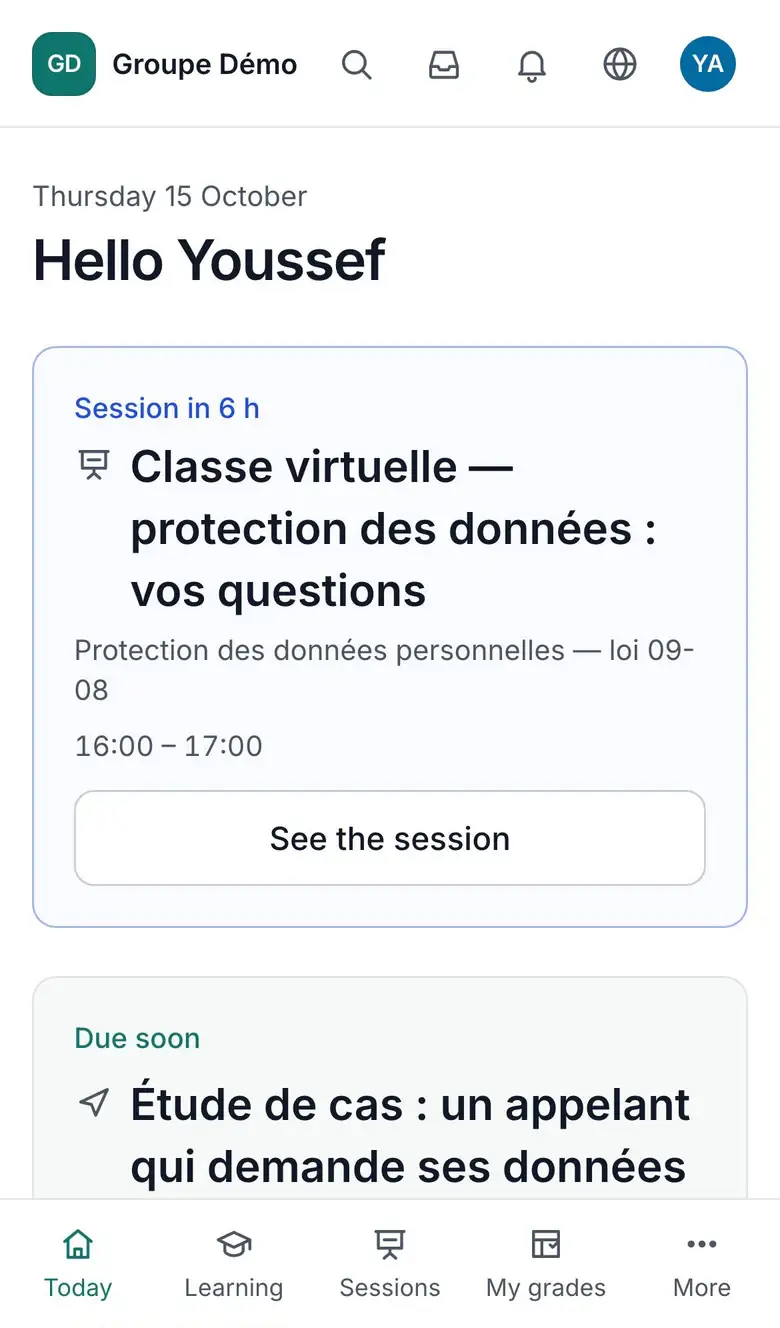
Today
A home screen that shows the one thing to do.
No widgets. The closest deadline, the module to resume where they left off, tomorrow's session. When there is nothing, the screen says so and explains why.
- Resume to the second
- Deadlines and recertification in sight
- My learning paths and progress
The module player
Full screen, readable, available offline.
Text, bandwidth-adapted video, documents, SCORM packages and quizzes follow one another in a full-screen player. Downloaded over Wi-Fi, documents, videos and practice quizzes open offline; graded tests and SCORM packages need the network.
- Video with captions and playback speed
- Low-data mode
- Practice quizzes offline
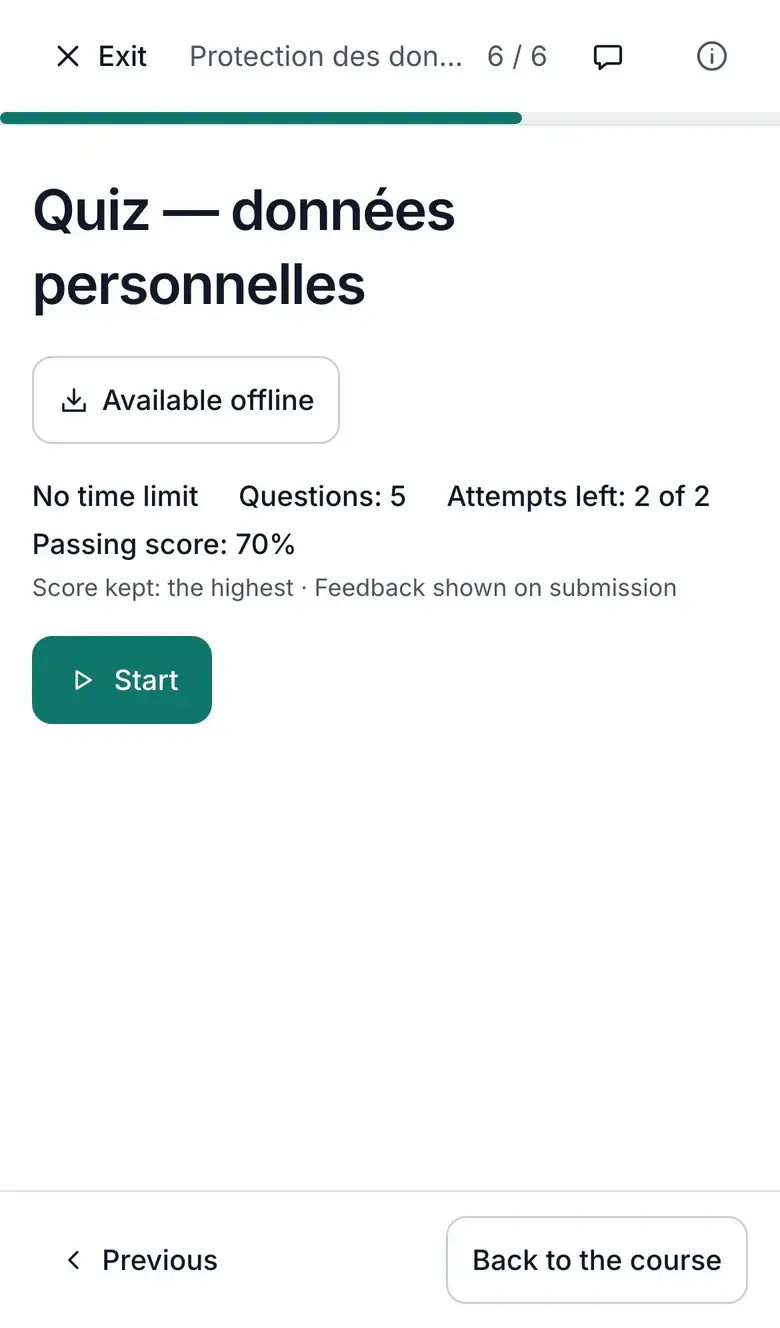
Assessments
Quizzes that respect people.
12 question types
Single or multiple choice, true/false, fill in the blanks, matching, ordering, image hotspot, calculated, scale, open answer.
Autosave
Every answer is saved as it is given. A dropped connection loses nothing.
Focus mode
A distraction-free view during the assessment, a receipt at the end.
Accommodations
Extra time and per-person exceptions, decided by the trainer.
Classroom and certificates
Classroom training counts as much as digital.
QR-code check-in
The trainer shows a code, everyone signs on their phone. The attendance sheet comes out as a PDF.
Verifiable certificates
One PDF per completed training, with a public verification link.
Calendar
Sessions and deadlines in the phone's calendar, through an iCal subscription.
Chosen reminders
WhatsApp, e-mail or notification: everyone picks their channel, with quiet hours.
Languages
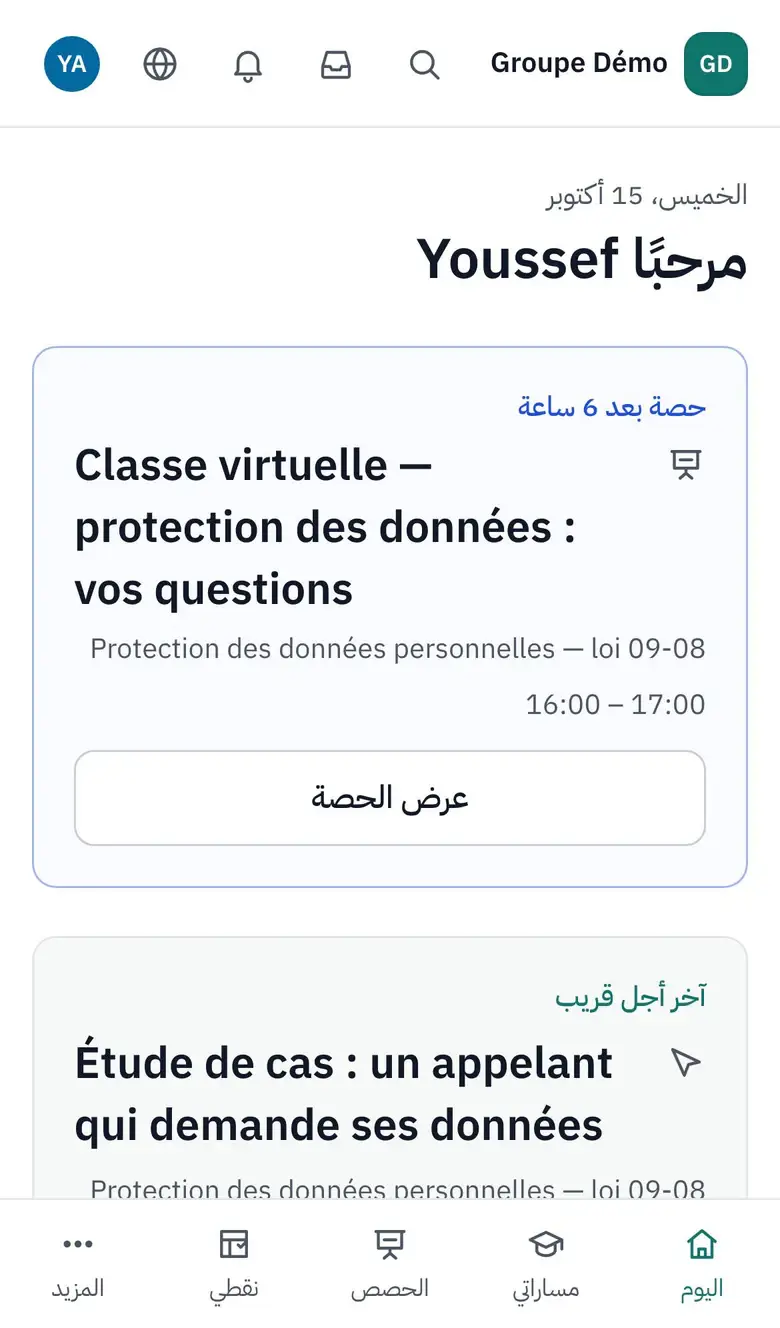
In Arabic as in French, without compromise.
Each person picks their language. In Arabic, the whole interface reads right to left, with a dedicated Arabic typeface, down to charts and directional icons.
- French, Arabic, English
- Instant language switch
- Content in the language you choose
Accessibility
Accessible, and checked on every release.
- Target WCAG 2.2 level AA: contrast, visible focus, a keyboard path for every drag and drop.
- Captions on videos, extendable timers.
- Automated accessibility tests on every screen, in French and Arabic, on every release.
Later
- Generated flashcards (v2).
See it with your own courses.
A thirty-minute demo, on one of your modules, with your roles and your structure. We reply within one business day.